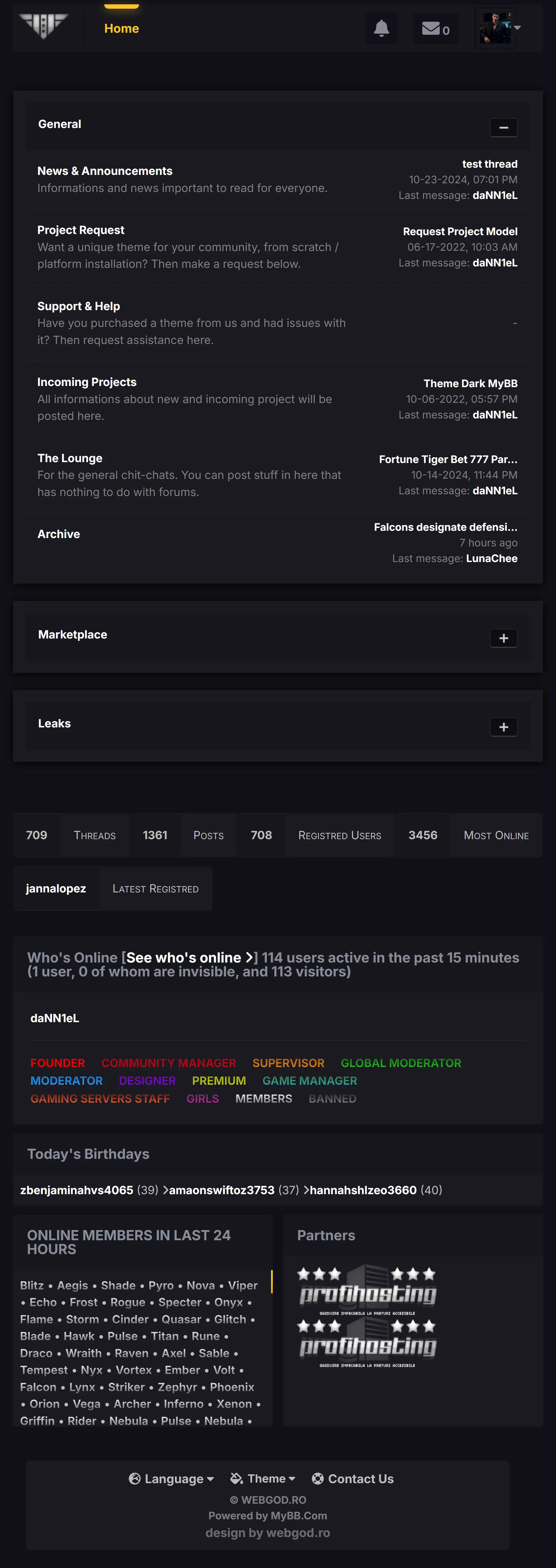
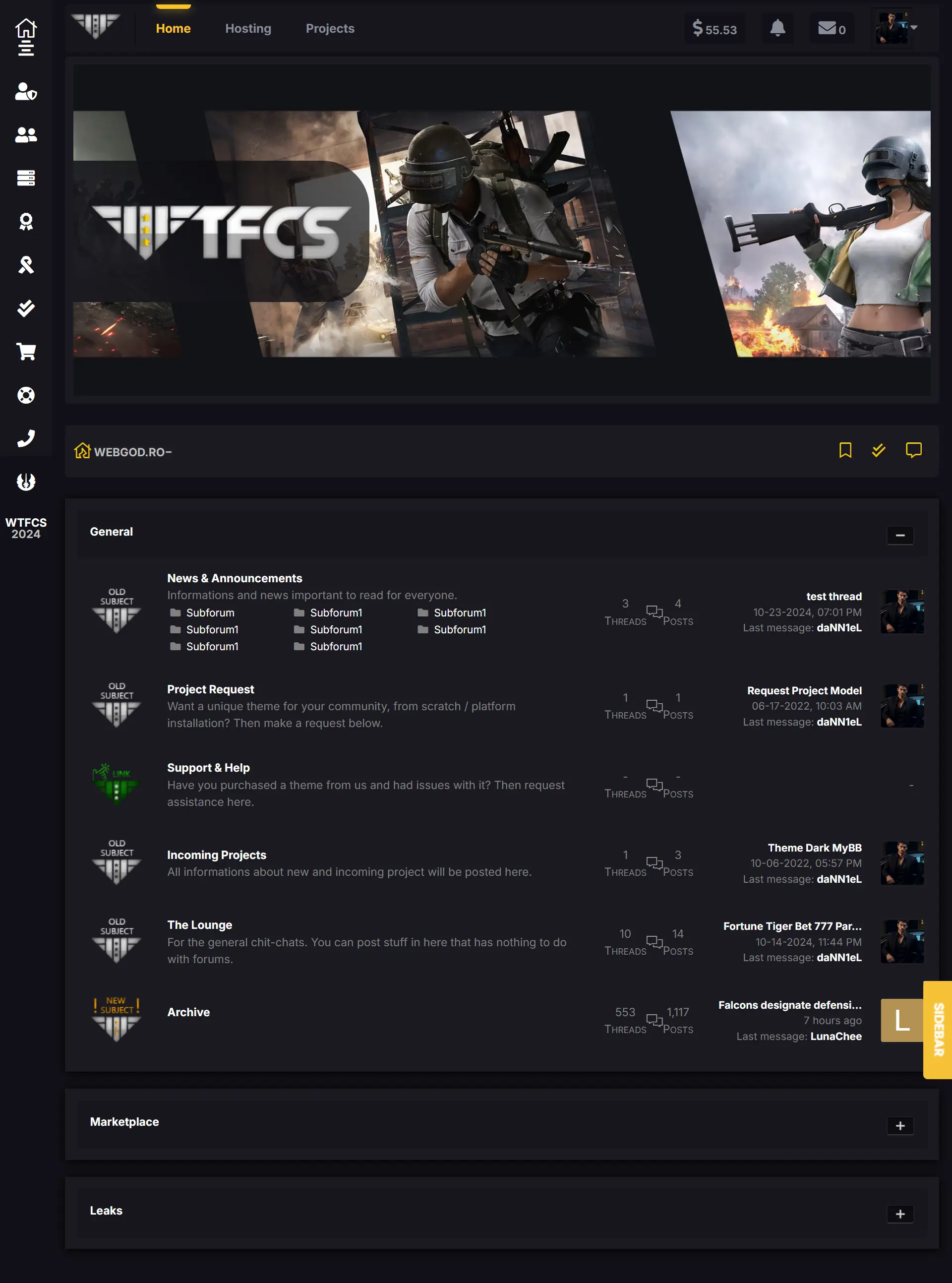
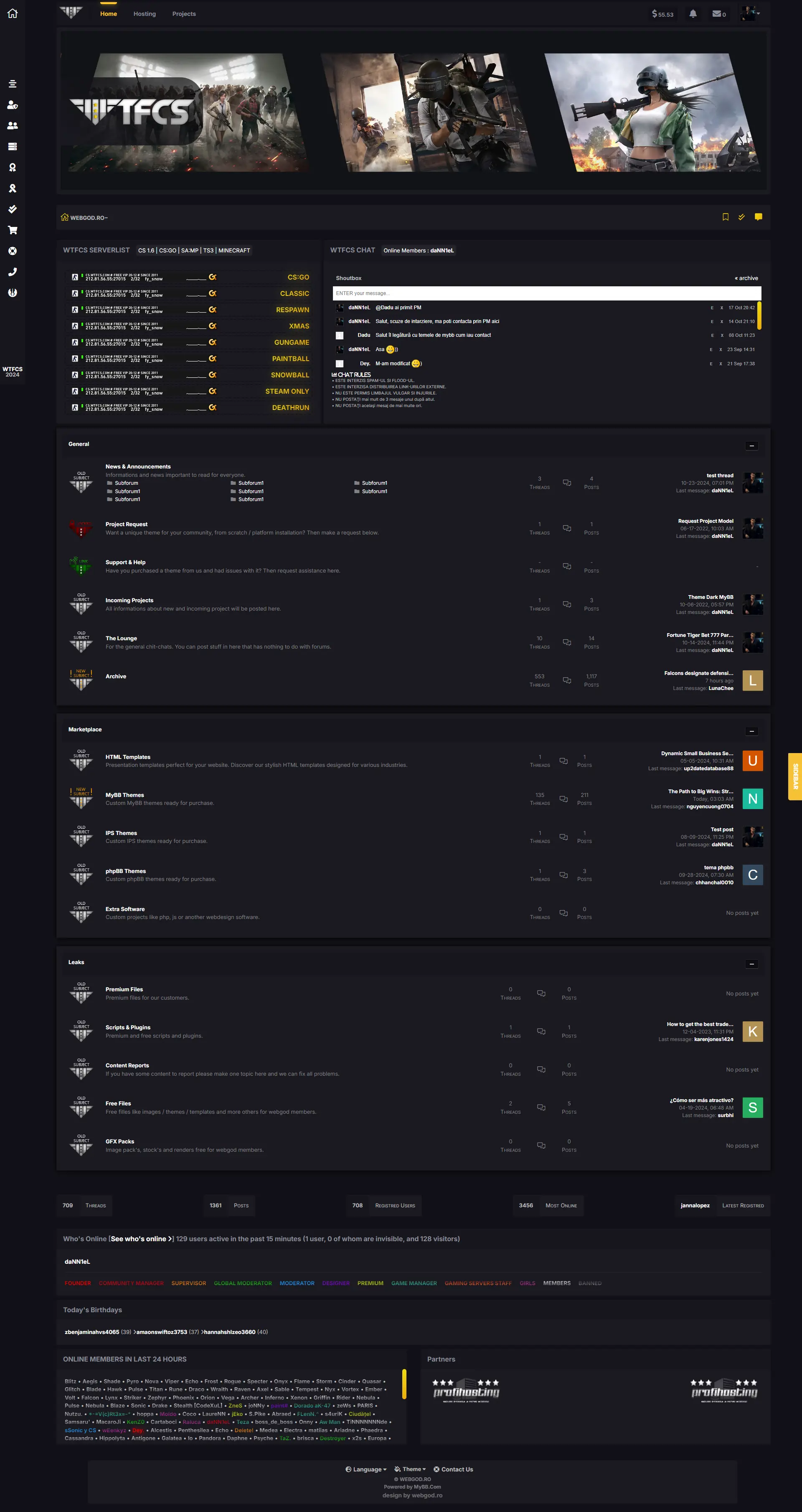
Overview
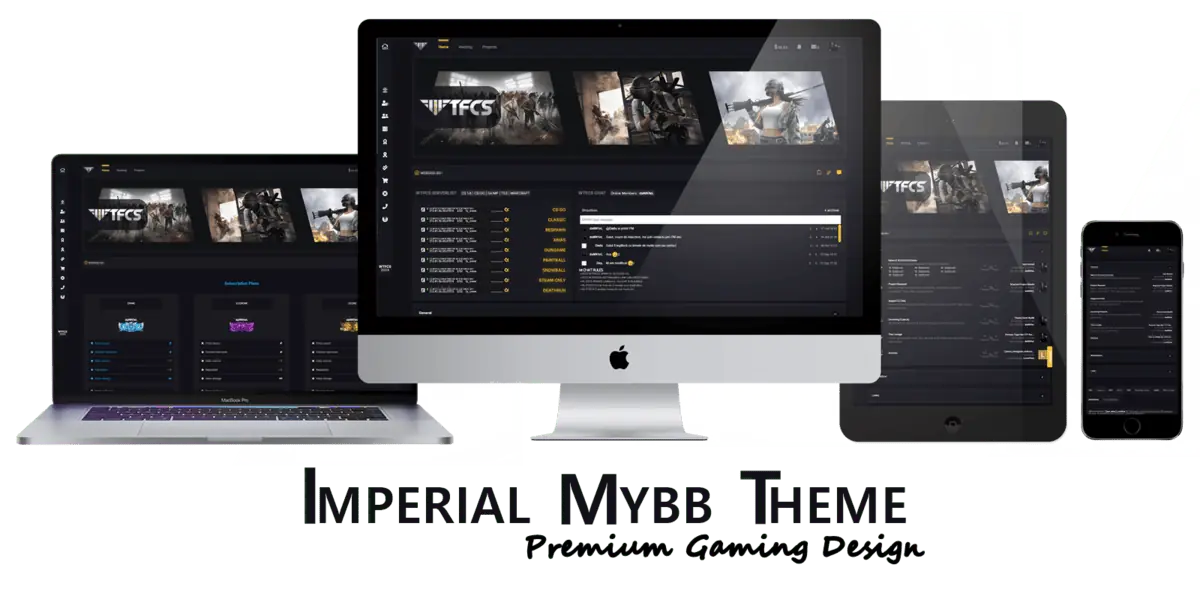
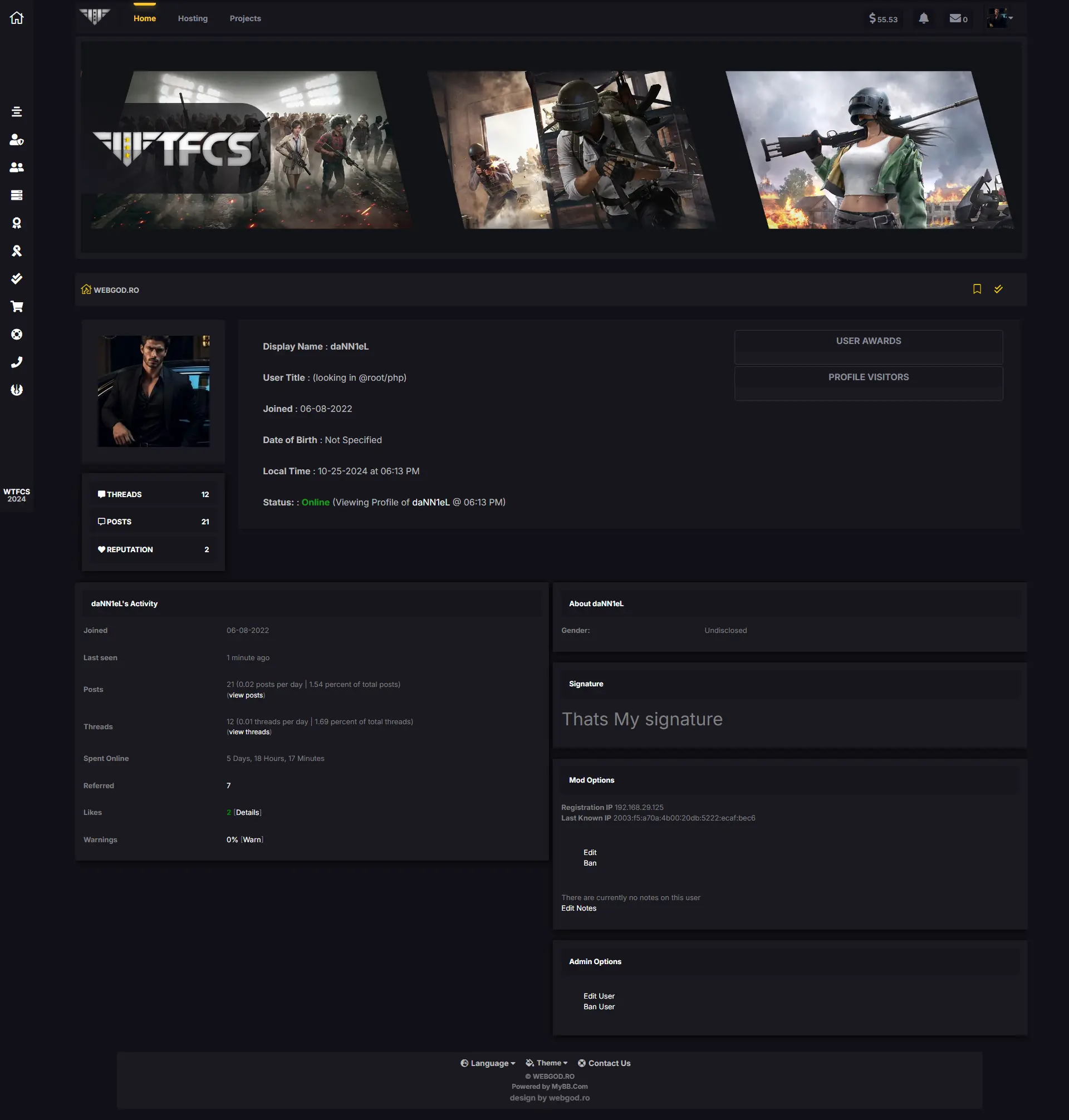
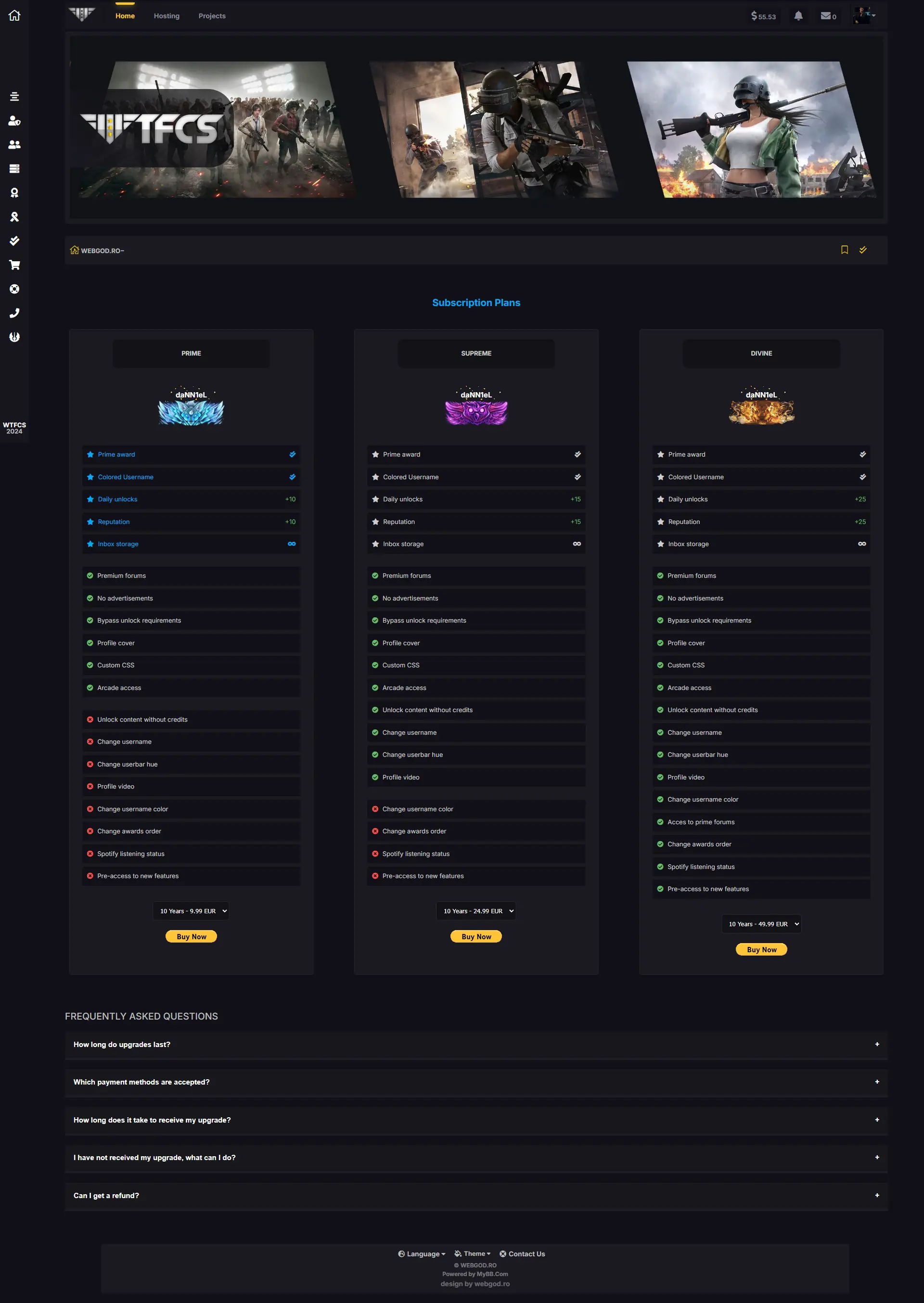
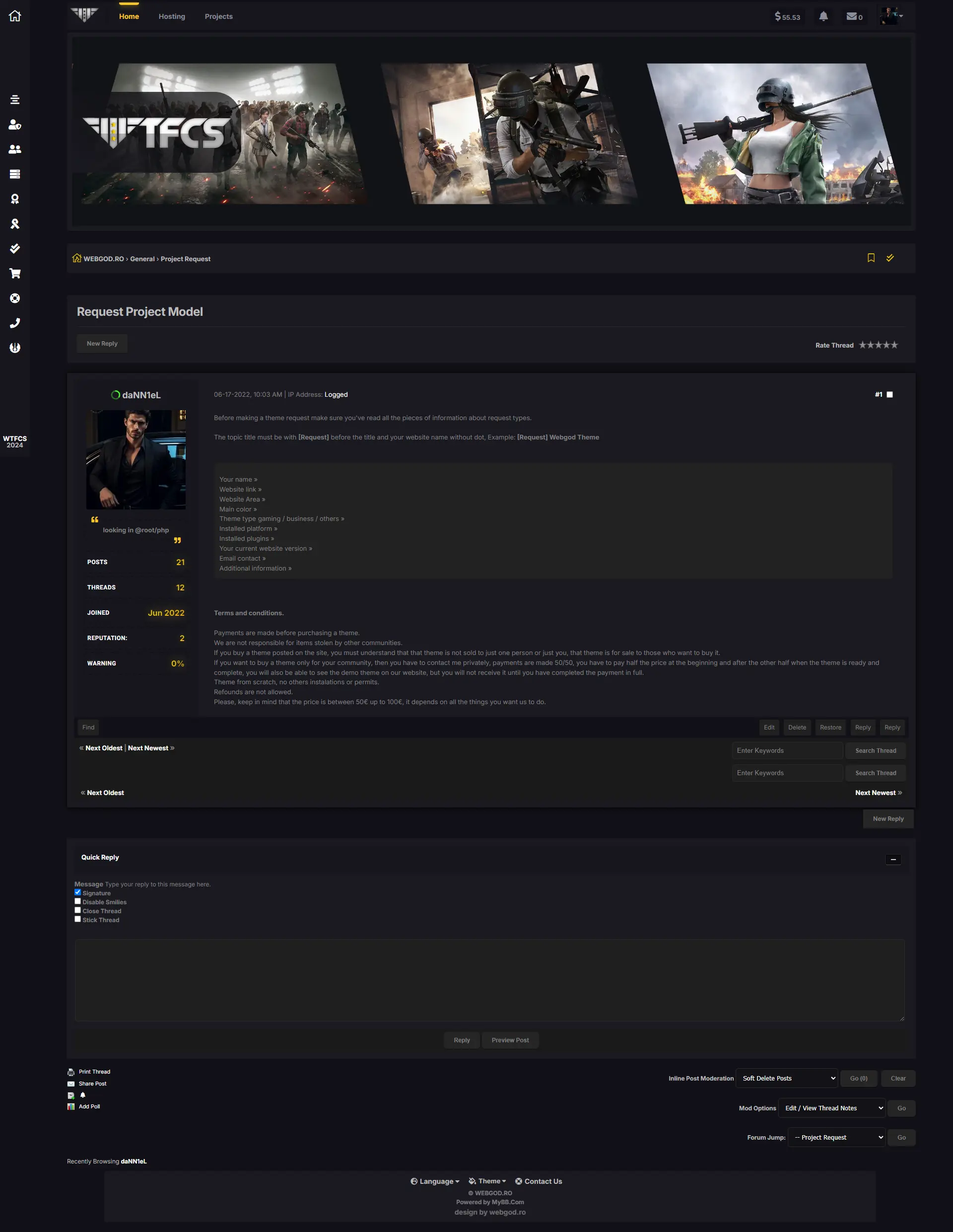
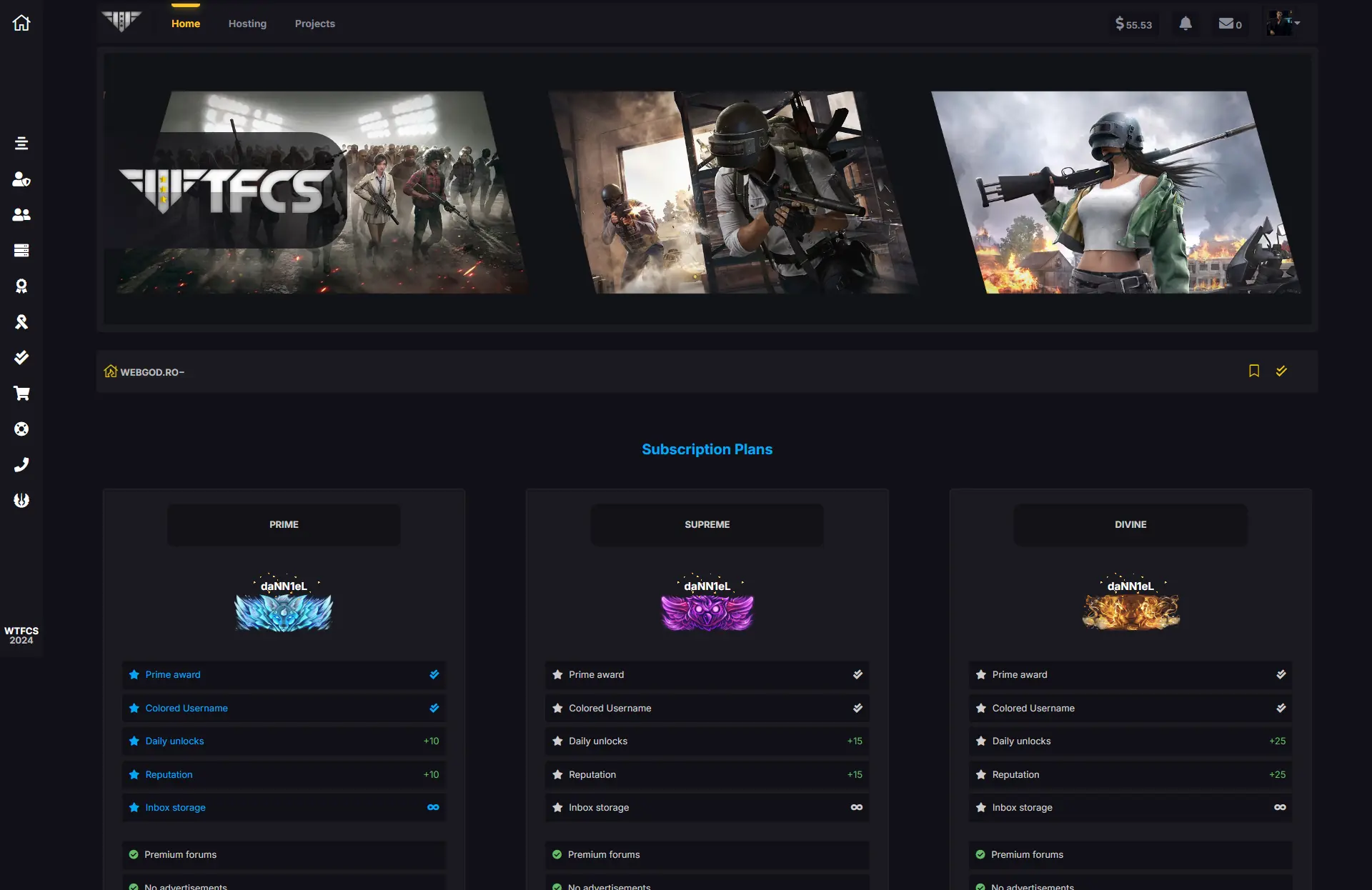
New design theme for MyBB Forums with new features and gaming design
Features
Theme features
...and more others!
Requirements
Latest MyBB Software installed
Minimum knowdledge of HTML & CSS ( optional for customisation )
Instructions
Step 1
Force Classic View for New Users
To make sure all new users are set to the classic view mode, update the default setting in MyBB’s configuration.
In your MyBB Admin Control Panel, go to:
Configuration > Search for > "Show Thread Options" !!!!!!!!!!!!
Look for an option labeled Post Layout.
✔ Set the Default Post Layout to Classic.
Step 2
Go to ACP > Templates & Styles > Import a Theme
Select local file XML Theme from your computer
Give a name to the theme
As Advanced Options be sure you checked all 3 options
✔ Ignore Version Compatibility
Should this theme be installed regardless of the version of MyBB it was created for?
✔ Import Stylesheets
If this theme contains custom stylesheets should they be imported?
✔ Import Templates
If this theme contains custom templates should they be imported?
After installing theme - Set it as default - Hard Refresh on main forum page (index.php)
Enjoy